🧠 Using the Features
(Day-to-Day Workflow)
Here is exactly how you use Lore as your daily driver:
1. The Interactive Menu
$
lore
If you ever forget a command, simply type lore into your terminal and hit Enter. You will be
greeted with a stunning interactive menu that guides you through every feature—no manual-reading required!
2. Logging Knowledge
$
lore log
When you make a technical decision, or discover a nasty bug ("Gotcha"), log it instantly:
lore log
The CLI will beautifully prompt you to categorize the entry into one of four types:
🔴 Invariants
Rules that must never be broken (e.g. "Never console.log auth tokens").
⚖️ Decisions
Technical choices (e.g. "We chose Next.js over Vite").
⚠️ Gotchas
Traps that trigger bugs (e.g. "Stripe webhooks can fire twice").
🪦 Graveyard
Abandoned code (e.g. "We removed Redis in v2").
3. Passive Mining
$
lore watch --daemon
Software engineers hate writing Wikis natively. With Lore, you don't have to.
Run lore watch --daemon in the background. As you code in your IDE, if you type
// WARNING: or // HACK:, the Lore daemon intercepts your OS file save, reads your
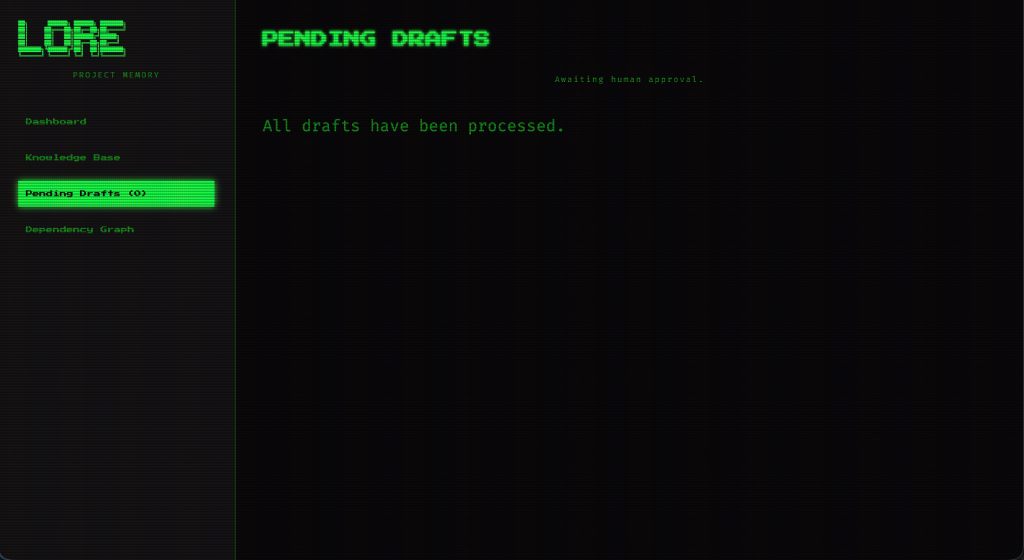
comment, and instantly drafts a beautiful Markdown rule in the background. Review them at the end of the
sprint with lore drafts.
4. The Local UI Dashboard
$
lore ui
Want to visually explore your project's brain?
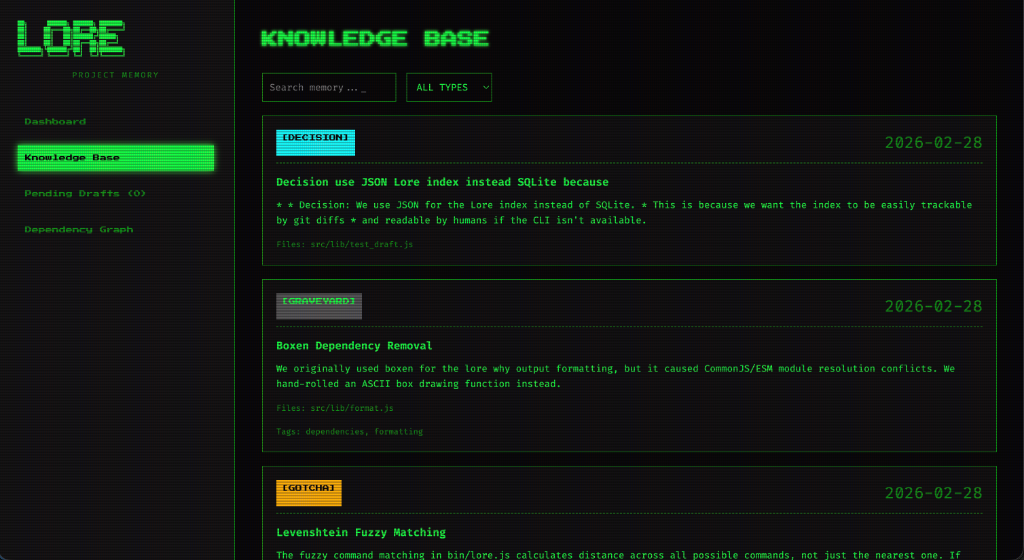
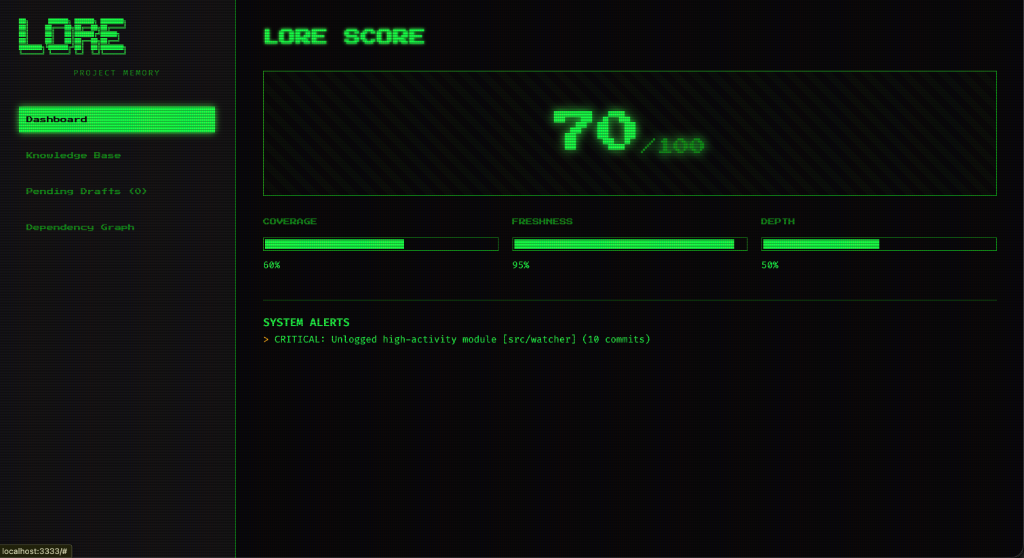
Run lore ui to spin up a blazingly fast local web server on port 3333. You can explore the
health of your project (The "Lore Score"), search your database, and view all your team's architectural
decisions mathematically linked to the exact files they govern.
5. Managing Outdated Context
$
lore stale
Traditional wikis suffer from "Context Rot"—they go out of date and people stop trusting them.
Because you link Lore rules directly to source code files (src/auth.js), if a developer
refactors that file 6 months later, Lore compares the OS timestamps and automatically flags the rule as
[Stale]. Run lore stale to instantly catch outdated documentation before it
confuses your AI!
→ 2 invariants, 1 gotcha included
System prompt written to stdout — pipe to clipboard or file.
6. The Context Compactor
$
lore prompt
Don't use Claude Code? If you prefer the ChatGPT web browser, don't dump your entire repository into the chat (it wastes context and money).
Run lore prompt "Refactoring Auth" | pbcopy
Lore will use completely offline Semantic Vector Search (via Ollama) and mathematically compute the PageRank "Blast Radius" of your authentication code. It will instantly format a perfectly concise set of strict rules and drop them right onto your clipboard, ready to paste into ChatGPT!